Gesture and touch handling
Touch input is treated as its own interaction model. Scroll, drag and tap behavior are designed for fingers, not adapted from a mouse.
Navigation and state
Navigation and animation lifecycles are managed explicitly, so screens stay consistent across fast taps, back navigation and interrupted gestures.
Device-specific behavior
Touch input is treated as its own interaction model. Scroll, drag and tap behavior are designed for fingers, not adapted from a mouse.
Release-ready builds
Navigation and animation lifecycles are managed explicitly, so screens stay consistent across fast taps, back navigation and interrupted gestures.
Interactive Product Reconstruction
Motion systems, touch behavior, reusable architecture and automated QA across a 28-route build.
Touch & Gesture Engineering
Tap-driven cards, a gesture-safe carousel and native scrolling — designed for thumbs, not shrunk from desktop.
Motion System & Page Transitions
Smooth scroll on the animation clock, curtain transitions and a custom pointer — timed from frame-by-frame measurement.
Scope
01A short technical discovery: what exists, what is risky, what has to ship first. You get a written plan and an honest estimate.
Prototype the hard part
02The riskiest interaction, integration or performance question is built first, on real devices, before anything is polished.
Build
03Features land in small, reviewable increments. Touch, keyboard and reduced-motion behavior are part of the definition of done.
Test
04Automated interaction and regression checks run against production builds, not just a dev server.
Ship and hand over
05Release without downtime, verify in production, and leave documentation your team can maintain.
Mobile to production: design handoff, build, QA and deploy
Touch-first: native scroll, tap-driven UI, gesture-safe carousels
Zero-downtime release: 3,865 live requests, 0 failures during deploy
“GSAP ignores CSS-style cubic-bezier() strings. Registering the curves as named eases fixed a measurable page-transition timing mismatch.”
“A section-geometry diff exposed 254rem of cumulative page-length drift. Fixing shared spacing rules brought it to about 5.7rem.”
“Frame-by-frame comparison showed the reference holds a released carousel for ~50ms before snapping. Matching it changed how the release felt.”
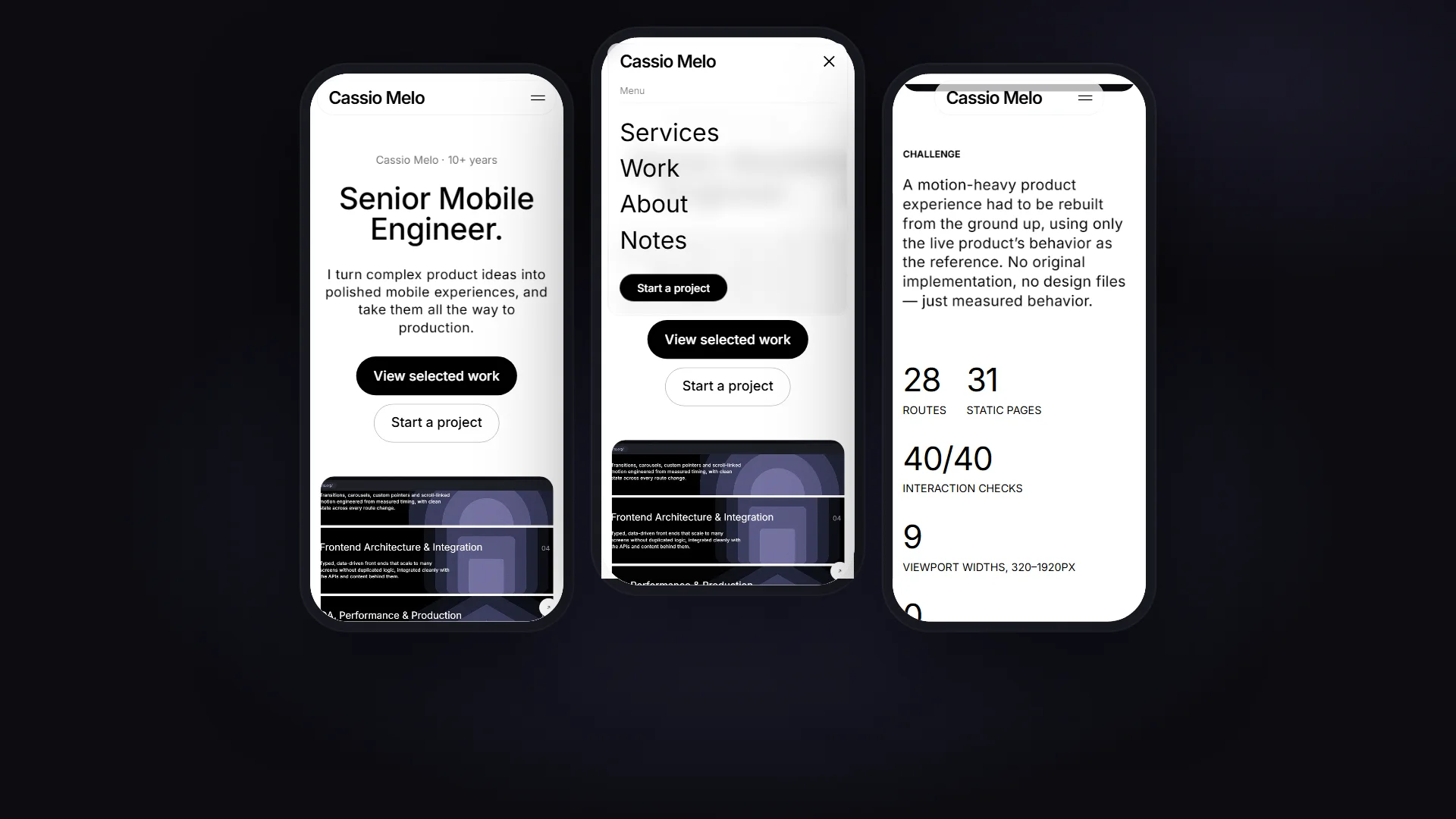
“Scroll-driven service cards on desktop become tap-to-expand on touch devices. Same intent, input-appropriate mechanics.”
“After repeated multi-route navigation: one smooth-scroll instance, no leaked ScrollTriggers, no stuck overlays or cursor states.”
What kind of projects are a good fit?
Mobile and cross-platform products where the interface is hard: gestures, motion, complex state, many screens, or strict quality requirements.
I am most useful when a product needs one engineer who can own the difficult parts end to end.
Can you join an existing team or codebase?
Yes. I start by reading the code and the release process, then pick up the riskiest area first so the team sees progress where it matters.
How do you start an engagement?
With a short technical discovery: current state, risks, and what has to ship first. You get a written plan and an estimate before any larger commitment.
Do you handle design handoff and polish?
Yes. I work from designs or behavioral references, match timing and interaction details deliberately, and flag where a pattern should change for touch devices.
How do you make sure it works in production?
Automated interaction and regression tests run against production builds, and releases are verified on the live domain before the previous version is retired.
What about accessibility?
Keyboard access, visible focus, Escape handling, focus management and reduced-motion behavior are part of the definition of done, not an afterthought.
Can you fix a product that feels slow or janky?
Yes. I measure first — frame timing, layout drift, scroll and animation lifecycles — then fix the causes rather than hiding symptoms.
Do you work fixed-price or time-based?
Both. Well-defined scopes can be fixed-price; evolving products usually work better time-based with a clear weekly plan.